
Lenovo
Procurement help877-327-6106
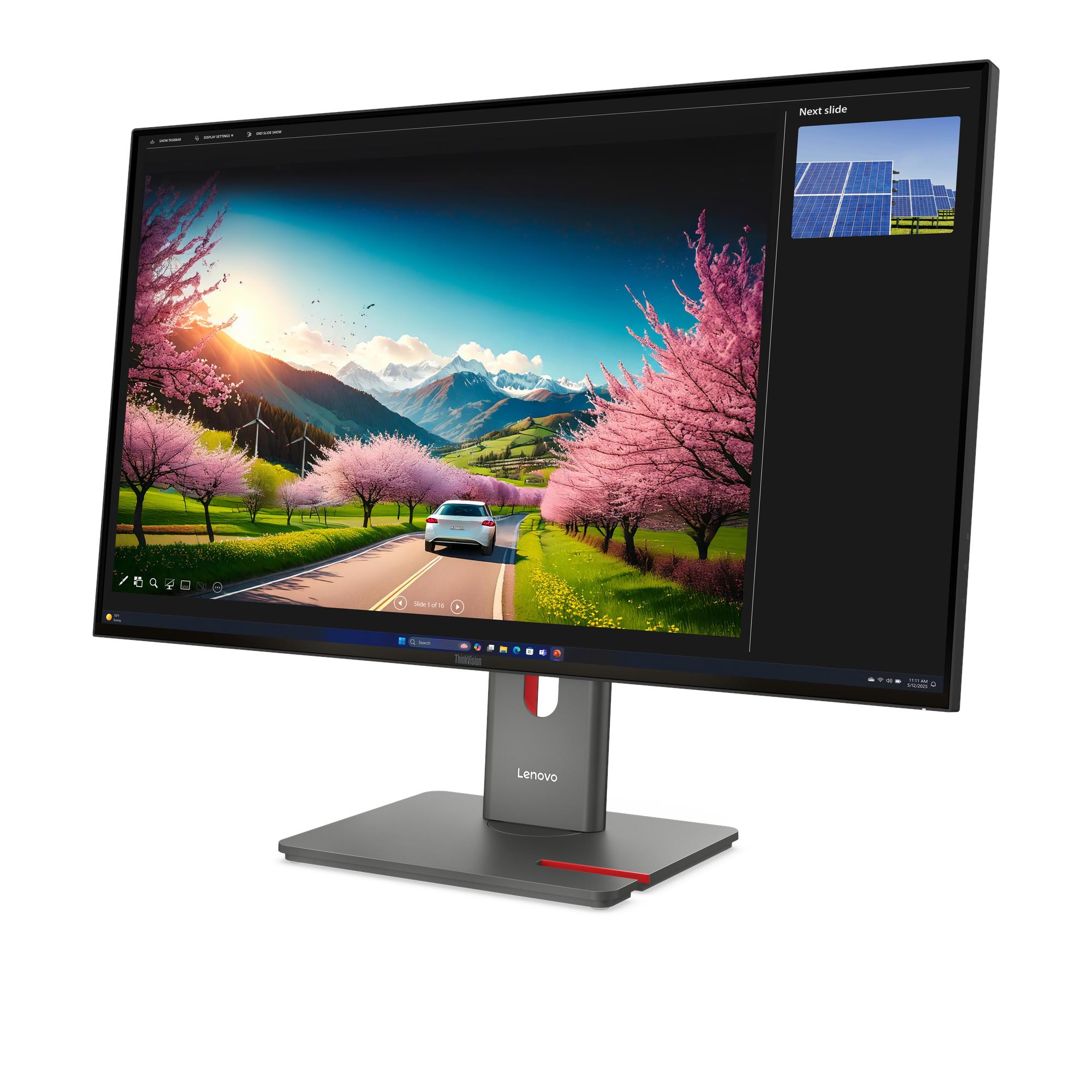
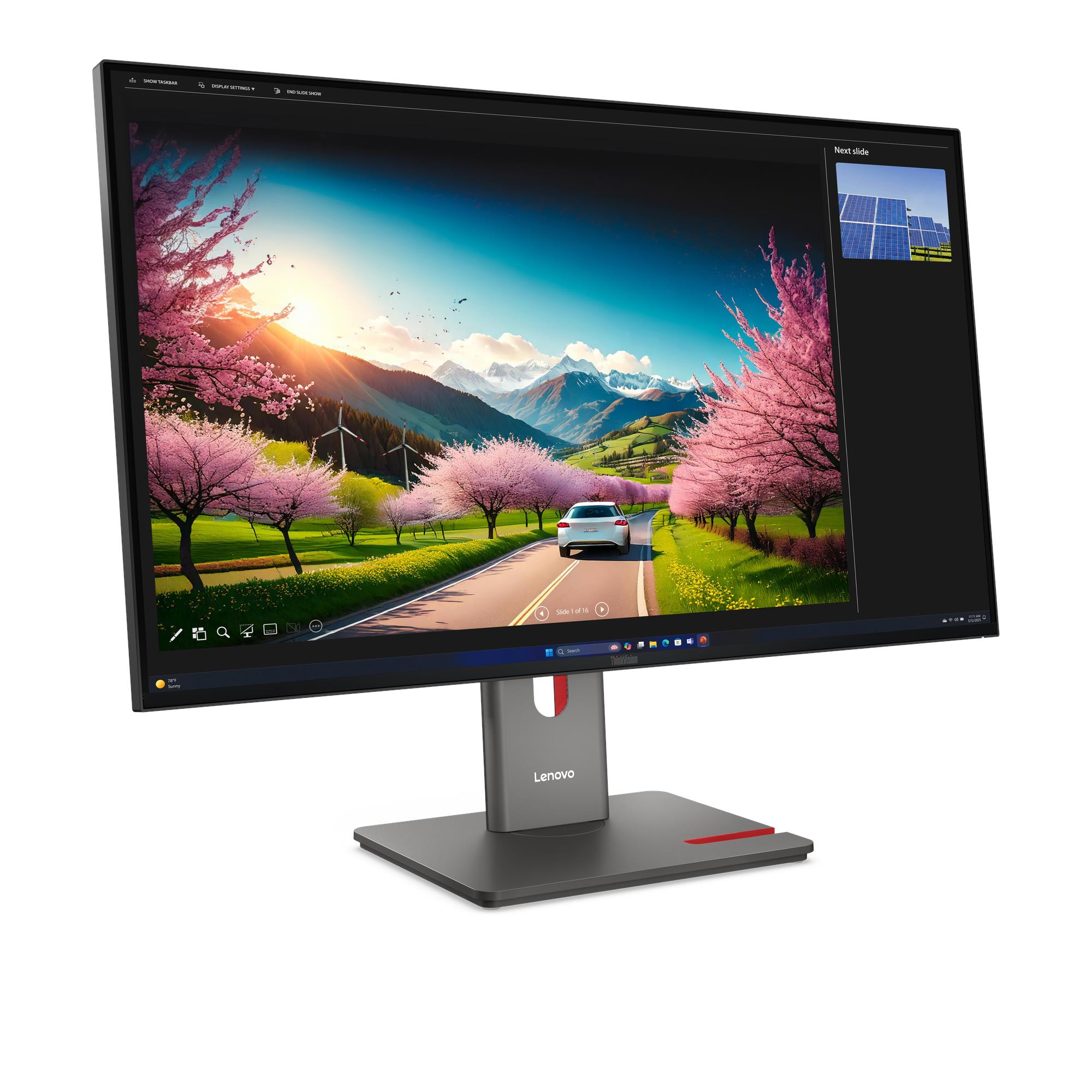
Lenovo ThinkVision P32UD-40 Monitor — 64A8XAR2US
- Manufacturer
- Lenovo
- Manufacturer part number
- 64A8XAR2US
- BPC product number
- BP-LENOVO-e07cfcc97c02e878adc63aab
Tech overview
31.5" · 3840x2160 · In-Plane Switching
- Display Size
- 31.5"
- View Area
- 697.3x392.2 mm
- Panel
- In-Plane Switching
- Backlight
- WLED
- Aspect Ratio
- 16:9
- Resolution
- 3840x2160
Overview
Built for the work ahead.
Product details
- 31.5"
- 3840x2160
- In-Plane Switching
- 24Hz - 120Hz
Configuration: 31.5" | 3840x2160 | In-Plane Switching | 24Hz - 120Hz
Technical details
Product specifications
Specifications describe the listed configuration. We verify the exact manufacturer part number in your written quote.
Manufacturer
Lenovo
Manufacturer part number
64A8XAR2US
BPC product number
BP-LENOVO-e07cfcc97c02e878adc63aab
Display Size
31.5"
View Area
697.3x392.2 mm
Panel
In-Plane Switching
Backlight
WLED
Aspect Ratio
16:9
Resolution
3840x2160
Pixel Pitch
0.1815x0.1815 mm
Dot / Pixel Per Inch
140 dpi
View Angle (H / V)
178° / 178°
Response Time
4ms GtG (Extreme mode) / 6ms GtG (Typical mode)
Color Support
1.07 Billion
Refresh Rate
24Hz - 120Hz
Brightness
350 cd/m²
Contrast Ratio
1500:1
Color Gamut
98% DCI-P3, 99% sRGB, 99% BT.709
Screen Surface Treatment
Anti-glare
Curvature
Flat Panel
Camera
Modular Camera Support
Microphone
None
Speakers
Modular Speaker Support
Power Consumption (Typical / Maximum)
23W / 240W
Power Adapter
Integrated
Stand
Tilt, Swivel, Pivot, Height Adjust Stand
Case Color
Raven Black
Side Bezel Width
2 mm
Mounting
Supports VESA mount 100 x 100 mm
ThinkCentre M Series Support
Tiny Support
Dimensions (WxDxH)
Lowest Position | 714.3 x 218.0 x 439.5 mm (28.12 x 8.58 x 17.30 inches); Highest Position | 714.3 x 218.0 x 594.5 mm (28.12 x 8.58 x 23.41 inches); Head Only | 714.3 x 46.0 x 413.2 mm (28.12 x 1.81 x 16.27 inches)
Packaging Dimensions (WxDxH)
824.0 x 162.0 x 528.0 mm (32.44 x 6.38 x 20.79 inches)
Weight
Monitor With Stand | 8.1 kg (17.9 lbs); Monitor Head Only | 5.2 kg (11.5 lbs)
Packaging Weight
11.5 kg (25.4 lbs)
Rear Ports
1x Thunderbolt 4 (40Gbps) with PD 3.1 up to 140W and DisplayPort 1.4 Alt Mode HBR3, USB upstream; 1x USB-B (USB 5Gbps / USB 3.2 Gen 1), USB upstream; 1x USB-C (USB 5Gbps / USB 3.2 Gen 1) with 15W PD, data transfer only, USB downstream; 4x USB-A (USB 5Gbps / USB 3.2 Gen 1), 1x BC1.2, USB downstream; 1x Thunderbolt 4 Out; 1x HDMI 2.1 TMDS, supports 3840x2160@120Hz; 1x DisplayPort 1.4 (HBR3), supports max. bandwidth 32.4Gbps; 1x DisplayPort 1.4 (Out); 1x Ethernet (2.5GbE RJ-45)
Base Warranty
3-year limited warranty
Environmental Certification
ENERGY Star Certified, TCO 10, TCO Edge 2.1, EPEAT Gold, EU Energy Level (Level-E), Volatile Organic Compound Certification, RoHS
Ergonomic Certification
Eyesafe Display 2.0, TÜV Rheinland Low Blue Light (Hardware solution), TÜV Rheinland Eye Comfort (5 Stars)
Sync Technology
None
Special Features
HDR10 Compliance; Factory Calibration: Avg. Delta E<2 at sRGB and DCI-P3; Picture In Picture (PIP) / Picture By Picture (PBP) Support; Lenovo ThinkColour (Lenovo Accessories and Display Manager) Support Lenovo ThinkColour supports Windows 10 & 11, Mac OS (functions vary across systems) Lenovo Accessories and Display Manager is formerly Lenovo Display Control Center; AI Power Saving Mode; KVM Switch (with eKVM); LDFM (Lenovo Display Fleet Manager); Mirrored Power Button; Multi-sync; Natural Low Blue Light; Smart Power The Smart Power function intelligently detects overall power consumption and dynamically manages the power delivery to each device
In the Box
Monitor with stand; 1x DP 1.4 cable (1.8m); 1x USB-B to USB-A Gen 1 cable (1.8m); 1x Thunderbolt cable (1m, 40Gbps), for models 64A8Y** and 64A8X** only; 1x Power cable (1.8m); Factory calibration report; Quick setup guide
Machine Type
64A8
EAN / UPC / JAN
0199274964603 / 199274964603 / None
Announce Date
2026-01-27
Host compatibility
Support Windows 10, Windows 11
Condition
New
Exact configuration
31.5" | 3840x2160 | In-Plane Switching | 24Hz - 120Hz
Beyond the box
Services that help the technology land well.
Configuration planning
Validate compatibility, accessories, warranty and standards before the quote is finalized.
Add requirements →Deployment support
Ask about imaging, staging, asset tagging, installation and multi-site rollout coordination.
Explore services →Financial services
Coordinate qualified financing options through Ascentium Capital or Lenovo Financial Services.
Review financing →Related products
-
HP Series 3 Pro 21.5 inch FHD Monitor 322ph — B0BN7UT
Request a quote Read more -
HP Series 3 Pro 23.8 inch FHD Monitor – 324ph — B0BU9UT
Request a quote Read more -

HP Series 5 23.8 inch FHD Monitor – 524da — B11W5AT
Request a quote Read more -
HP Series 3 Pro 27 inch FHD Monitor – 327ph — B0CG8UT
Request a quote Read more